
A technical SEO audit is a thorough review of the technical factors that affect how search engines crawl, index, and rank your website. It examines the infrastructure underneath your content, including site architecture, page speed, indexation status, structured data, and security. While content audits are a detailed look at what you say and the consistency of your brand messaging, a technical audit is more about whether search engines can find, read, and understand it at all.
A technical audit identifies action steps for the systematic functions that support your SEO strategy goals. You can produce the best content in your category and still lose organic visibility to a competitor with a cleaner technical foundation.
We've run technical SEO audits for enterprise consumer tech brands and mid-market B2B companies alike, such as The Leadership Conference, where we increased traffic 130% and saw keyword growth of 260%. The same core problems show up repeatedly, often hiding in plain sight for months before anyone thinks to look. Identifying and fixing those weaknesses will only increase traffic and ultimately, conversions.
What Is a Technical SEO Audit?
A technical SEO audit is a structured evaluation of the factors that determine whether search engines can successfully crawl, render, and index your website. It does not look at keyword targeting or content quality. It examines the technical process and identifies what may be keeping your SEO plan from performing at full capacity.
A complete technical audit covers:
- Crawlability: Can search engine bots access your pages?
- Indexation: Which pages are actually in Google's index?
- Site Architecture: Is the site structured so that authority flows efficiently and important pages are reachable?
- Page Speed and Core Web Vitals (LCP, INP, CLS): Are pages fast enough to meet Google's performance thresholds?
- Structured Data: Does the site use schema markup to help search engines understand content?
- Mobile Usability: Does the site function correctly on mobile, which is how Google primarily crawls it?
- Security: Is the site served over HTTPS with no mixed content issues?
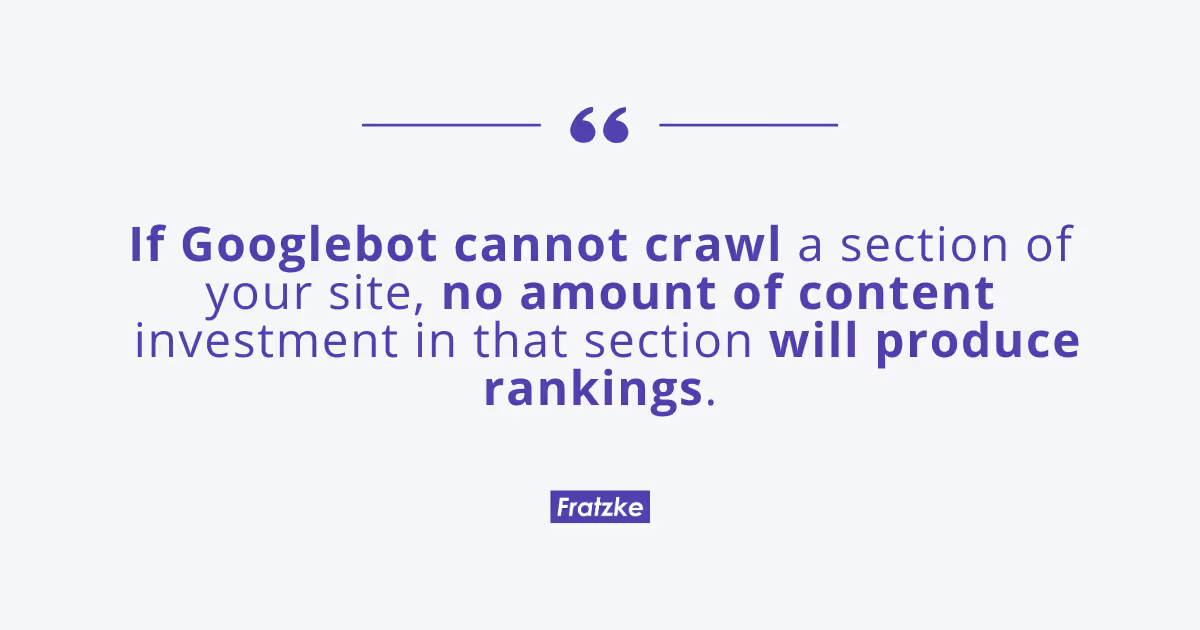
Technical SEO auditing is typically the first step in any serious SEO strategy because technical problems can silently suppress everything else. If Googlebot cannot crawl a section of your site, no amount of content investment in that section will produce rankings.
Technical SEO Audit vs. Content Audit vs. On-Page SEO Audit
These three audit types are often conflated. They are distinct in scope and purpose.
Technical SEO Audit: Crawl access, indexation, site architecture, page speed, schema, mobile, security
Before content investment; after a site migration; when organic traffic drops unexpectedly
On-Page SEO Audit: Title tags, meta descriptions, header tags, keyword targeting per URL
When rankings plateau despite healthy technical foundation
Content Audit: Content quality, gaps, topical coverage, content performance
When the site has substantial content and you need to identify what to build, update, or cut
A technical audit tells you whether search engines can see your site. An on-page audit tells you whether the pages are optimized. A content audit tells you whether you have the right pages in the first place. For a site experiencing organic traffic problems, the right sequence is almost always: technical first, on-page second, content third.
Why Run a Technical SEO Audit?
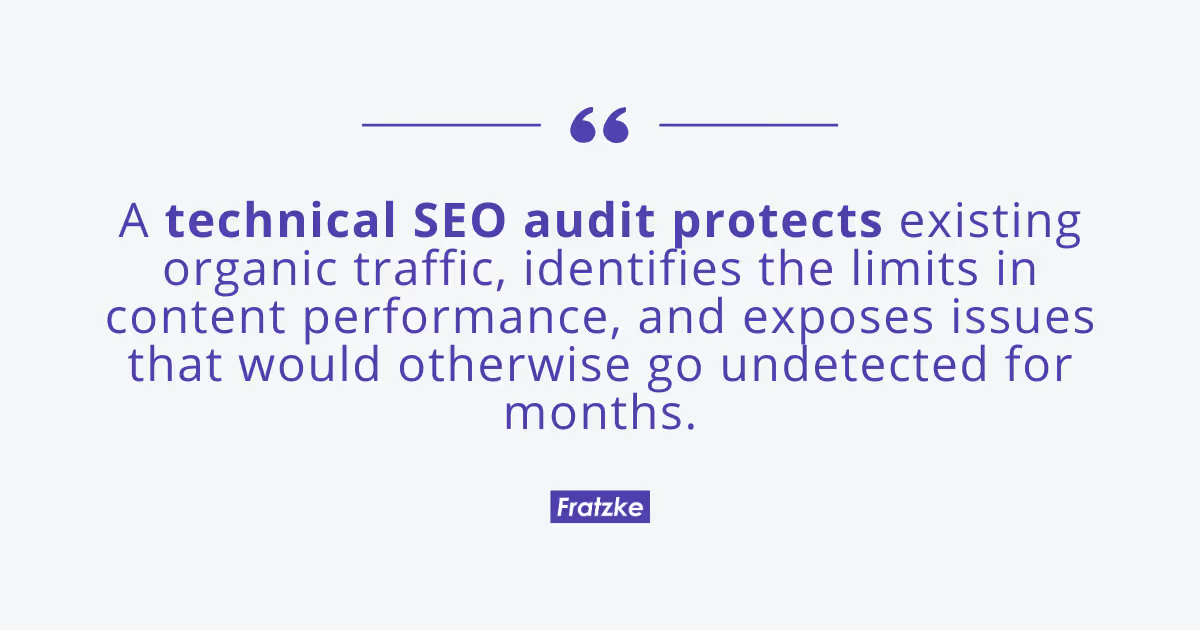
A technical SEO audit protects existing organic traffic, identifies the limits in content performance, and exposes issues that would otherwise go undetected for months. For enterprise marketing teams, the business case is concrete and measurable.
For enterprise marketing teams, the specific outcomes that justify an audit include:
1. Keyword Ranking Recovery
A sudden drop in organic traffic is often a technical event: a robots.txt change that blocked key directories, a site migration that broke canonical tags, a URL restructure that orphaned pages with earned backlinks. A technical audit traces the cause quickly. On a recent engagement, an audit revealed a client's robots.txt had been accidentally updated during a site rebuild to block their entire /blog/ directory. The fix took hours. The ranking recovery took four weeks.
2. Migration Readiness
Site migrations are one of the most common causes of organic traffic loss. A pre-migration technical audit establishes a baseline and identifies risks before they become problems. A post-migration audit confirms nothing broke in the move.
3. Improve AI Search Visibility
As AI Overviews and generative search features become a larger share of search behavior, the technical signals Google uses to understand and cite content matter more. Schema markup, site structure, and page speed all influence how AI surfaces understand and reference your content. According to Google's own guidance on structured data, schema is one of the primary tools sites can use to communicate content meaning to search systems.
4. Content Investment Protection
If you are spending budget on content production, a technical audit ensures that content can actually be discovered and indexed. Publishing high-quality content to a site with indexation problems is a direct waste of resources.
Once you understand the value of running a technical audit, the next step is knowing the right time to conduct one.
When to Run a Technical SEO Audit
It’s not ideal to run every technical SEO audit in response to decreasing performance metrics. Instead, a routine implementation of technical SEO audits prevents the slow accumulation of issues that degrade site performance without triggering an obvious alarm.
The specific triggers are:
- Before a site redesign or rebuild. Capture the current technical baseline and set requirements for the new build.
- After a site migration. Confirm that redirects are in place, canonical tags are correct, and no pages were lost in the move.
- After an unexplained ranking drop. Diagnose whether the cause is technical, algorithmic, or competitive.
- Following a major Google algorithm update. Evaluate whether the update amplified a pre-existing technical weakness.
- Before a major content investment. Confirm that the site is ready to absorb and surface new content effectively.
- After an acquisition or merger. New sites consolidated onto your domain often bring technical debt with them.
- In regular 12 to 18-month intervals. Even stable sites accumulate technical issues over time. A regular audit cycle catches them before they compound.
Tools You'll Need for a Technical SEO Audit
You do not need every tool on the market. You need the right stack, used well. Here is what Fratzke uses and recommends, ordered by importance.
Google Search Console: Indexation data, coverage reports, Core Web Vitals, manual actions
Cost: Free
Screaming Frog SEO Spider: Full site crawl, broken links, redirect chains, duplicate content
Cost: Free up to 500 URLs; paid for larger sites
Google PageSpeed Insights: Core Web Vitals, performance diagnostics per URL
Cost: Free
Semrush Site Audit: Automated issue detection, crawl health scoring
Cost: Paid Service
Ahrefs Site Audit: Crawl analysis, internal linking, HTTP status reporting
Cost: Paid Service
Sitebulb: Visual site architecture maps, crawl data visualization
Cost: Paid Service
Google Rich Results Test: Schema markup validation
Cost: Free
Bing Webmaster Tools: Secondary crawl data, indexation from Bing's perspective
Cost: Free
Google Search Console and Screaming Frog are non-negotiable. GSC gives you Google's actual view of your site. Screaming Frog gives you the practitioner's view. Every other tool supplements those two.
How to Do a Technical SEO Audit, Step by Step
Work through these steps in order. Each step builds on the last.
Step 1: Crawl Your Site
Start every technical SEO audit with a full site crawl. This gives you a complete inventory of your site's pages and how they're connected.
Why crawling your site matters: A crawl reveals broken pages, redirect chains, blocked resources, and structural issues. It is your baseline dataset for the rest of the audit.
Run the crawl using Screaming Frog or Semrush Site Audit. Set the user agent to Googlebot (both desktop and mobile) to mimic how Google actually crawls your site.
What to look for in the initial crawl report:
- Pages returning 4XX status codes (broken pages)
- Pages returning 5XX status codes (server errors)
- Long redirect chains (more than two hops)
- Pages with no inbound internal links (orphan pages)
- Resources blocked by robots.txt that should be crawlable
The crawl also tells you the total number of pages on your site. Compare that to how many pages you actually want indexed. A significant gap in either direction is a signal worth investigating.
Step 2: Check Indexation Status
If the page is not in Google’s index, it cannot rank. Indexation gaps are one of the most informative findings in any technical SEO audit.
Why indexation is important: You may have your best brand content on a page that Google has never indexed. That page earns zero organic traffic regardless of its quality.
Open Google Search Console and navigate to the Pages report under Indexing. Pay close attention to two statuses:
- Crawled, currently not indexed: Google found the page but chose not to include it in the index. Common causes include thin or duplicate content, or pages that Google's quality systems do not consider worth indexing.
- Discovered, currently not indexed: Google knows the page exists but hasn't crawled it. This often indicates crawl budget issues on large sites or poor internal linking to the affected pages.
Cross-reference the GSC indexed page count against the number of pages you actually want indexed. In a recent audit for a SaaS client, we found hundreds of product pages sitting in “Crawled, currently not indexed” status because they lacked enough unique content to justify indexing. Consolidating those pages recovered over a third of the suppressed product visibility within two months.
Step 3: Audit Site Architecture and Internal Linking
Site architecture determines how efficiently crawl equity flows through your site and how clearly Google understands what your most important pages are.
Why architecture and internal linking improve SEO: A poorly structured site forces Google to work harder to understand your content hierarchy. Important pages buried at high click depth receive less crawl attention and less internal link authority.
No important page should be more than three clicks from the homepage.
Orphan pages, pages with no inbound internal links from anywhere else on the site, are one of the most consistent findings in any technical SEO audit. They receive no internal link authority, are often under-crawled, and frequently include high-value pages that should be ranking but aren't because Google barely sees them.
Internal linking also shapes AI search visibility. Build authority through topic clusters: a pillar page that targets the broad topic with more detailed supporting pages linking back to it. This structure increases the likelihood that AI Overviews and other generative search surfaces will cite your content, because the relationship between pages makes the depth of your expertise unmistakable.
Learn more about how Fratzke approaches digital strategy to support organic growth.
Step 4: Review robots.txt and XML Sitemap
Your robots.txt file tells search engines what they can and cannot crawl. Your XML sitemap tells them what you want indexed. Both need to be correct.
Why robots.txt & XML sitemaps are important for technical SEO: A misconfigured robots.txt file can silently block entire sections of your site from being crawled. This is one of the most severe and most preventable technical SEO issues.
Review your robots.txt file (accessible at yourdomain.com/robots.txt) and confirm that no important directories or resources are blocked.
Note that the sitemap URL should be declared in robots.txt. This makes it easy for any crawler to find.
For your XML sitemap, verify that it contains only canonical, indexable URLs. Pages with noindex tags, 301 redirect URLs, and non-canonical pages should not appear in your sitemap. Submit the sitemap in Google Search Console and check for any reported errors.
Step 5: Audit Page Speed and Core Web Vitals
Page speed is a confirmed Google ranking factor, but the larger impact is on conversion rate. Every additional second of mobile load time reduces conversions measurably, and pages that fail Core Web Vitals thresholds receive a ranking penalty on mobile. Google developers show that as page load time increases from one to three seconds, the probability of bounce increases by 32%.
Why page speed affects SEO: Slow pages lose rankings, and consequently, the visitors who were initially interested in visiting your site.
Google measures page speed through three core web vitals. The current thresholds for a "Good" rating are:
- Largest Contentful Paint (LCP): Under 2.5 seconds. Measures how long it takes for the largest visible content element to load.
- Interaction to Next Paint (INP): Under 200 milliseconds. Measures page responsiveness to user interactions.
- Cumulative Layout Shift (CLS): Under 0.1. Measures visual stability, how much content unexpectedly shifts as the page loads.
Measure CWV at scale in Google Search Console under the Core Web Vitals report. For page-level diagnostics, use PageSpeed Insights or Google Lighthouse.
The most common CWV fixes include: compressing and properly sizing images, implementing lazy loading for off-screen images, removing unused JavaScript, and improving server response time. On large sites, a CDN often produces the fastest CWV improvement.
Step 6: Check Mobile-Friendliness
Google operates on mobile-first indexing, meaning it crawls and indexes the mobile version of your site, not the desktop version. If your mobile experience is degraded, your rankings reflect that.
Why mobile view increases SEO rankings: Mobile-first indexing means Google evaluates your mobile site as the canonical version. Any content, navigation, internal links, or structured data that only exists on desktop is effectively invisible to Google.
Check mobile usability in Google Search Console under the Mobile Usability report. Common issues include tap targets that are too close together, viewport configuration errors, and content that extends beyond the screen width.
Step 7: Audit Structured Data (Schema Markup)
Schema markup is code you add to your pages to help search engines understand what the content means, not just what it says. It is also one of the strongest signals AI search surfaces use to identify and cite authoritative content.
Why schema markup contributes to technical SEO: Valid schema improves the likelihood of rich results in traditional search and increases citability in AI Overviews and other generative search features.
The schema types most relevant for service businesses and B2B brands include: Organization, Service, FAQPage, Article, Author, and BreadcrumbList. For each page type on your site, identify the relevant schema and confirm it is implemented and valid.
Validate schema using Google's Rich Results Test. Look for implementation errors (invalid properties, missing required fields) and warnings (recommended fields that are absent).
Our SEO audit services always include schema as part of the foundational SEO setup.
Step 8: Check for Duplicate Content
Duplicate content confuses Google about which version of a page to rank. When multiple URLs return similar or identical content, Google either has to guess which one to index or dilutes ranking signals across multiple versions.
Why duplicate content can be dangerous: Duplicate content does not result in a manual penalty, but it does dilute your rankings by splitting authority and click signals across multiple URLs.
Common sources of duplicate content include: URL parameters (filtering, sorting, session IDs), faceted navigation on e-commerce sites, HTTP vs. HTTPS versions of the same page, www vs. non-www versions, and trailing slash vs. no trailing slash.
The primary fix is the canonical tag. A rel="canonical" tag on a page tells Google: "This is a duplicate; treat this other URL as the authoritative version." Canonical tags do not redirect users. They are a signal to search engines only.
Step 9: Audit HTTPS and Security
HTTPS is a baseline requirement. Google has used HTTPS as a ranking signal since 2014, and browsers actively warn users when they land on unsecured pages.
Why checking HTTPS consistency matters: Mixed content warnings undermine user trust and can suppress HTTPS pages in search results.
Confirm that your SSL certificate is valid and not approaching expiration. Check for mixed content warnings, which occur when an HTTPS page loads resources (images, scripts, stylesheets) over HTTP. Mixed content is the most common HTTPS issue on sites that migrated from HTTP and is easy to miss because it often lives in older blog posts or legacy page templates.
Use Chrome DevTools (Console tab) to identify mixed content warnings on any page. Screaming Frog can also flag these at scale across the full site.
The Most Common Issues Found in a Technical SEO Audit
Across hundreds of technical SEO audits, certain issues appear reliably. Here is what to expect to find:
Broken pages (4XX errors). Pages that return a 404 status, often from outdated internal links or deleted pages without redirects. These waste crawl budget and create dead ends for users.
Redirect chains. A URL that redirects to a URL that redirects to another URL. Each hop loses a small amount of link equity. Chains longer than two hops should be collapsed to direct 301 redirects.
Missing or duplicate title tags. Title tags are still among the strongest on-page ranking signals. Missing titles and duplicate titles are consistent crawl report findings, particularly on large sites.
Pages blocked in robots.txt that should be crawlable. Often the result of a developer blocking staging or admin paths and accidentally including production paths. Occasionally the result of an outdated robots.txt that was never updated after a site rebuild.
Non-indexed pages that should be indexed. High-value pages sitting in "Crawled, currently not indexed" status, often because of thin content, parameter duplication, or incorrect canonical configuration.
Slow Core Web Vitals. LCP over 2.5 seconds is the most common CWV failure, typically caused by unoptimized hero images or render-blocking JavaScript.
Missing schema markup. Most sites have no structured data beyond basic Organization schema, if that. FAQPage, Article, and BreadcrumbList schema are consistently absent.
Orphan pages. Pages with no inbound internal links. These earn no internal authority and are often under-crawled.
What a Technical SEO Audit Report Looks Like
A technical SEO audit report is not a raw crawl export. It is a prioritized set of findings, each with a clear recommendation and an estimated effort and impact level.
A complete technical SEO audit report includes:
- Executive Summary: A one-page overview of the site's technical health, the three to five most critical findings, and the expected business impact of fixing them. This is what the CMO reads.
- Prioritized Findings: Each issue ranked by severity (critical, high, medium, low) and by effort to fix. Critical issues blocking indexation or creating large-scale duplicate content get addressed first.
- Recommendations: For each finding, a specific recommended action, the tool or team responsible, and success criteria.
- Implementation Roadmap: A sequenced plan, typically organized by sprint or quarter, that translates the findings into a workable project plan.
Fratzke structures audit reports to serve two audiences: the technical team that will implement the fixes and the marketing leadership that needs to understand why the fixes matter.
If you'd like to see what a real Fratzke audit looks like, book a call with our team.
When to Hire an Agency for a Technical SEO Audit
A skilled in-house SEO can run a solid technical audit on a mid-sized site using the tools and methodology described here. Whether to do it internally or hire outside help depends on the site and the situation.
A DIY audit works when: The site is under a few hundred pages, there is in-house SEO expertise, the audit is routine rather than post-incident, and budget is a real constraint.
An agency makes sense when: The site is large or technically complex, the audit is being triggered by a ranking drop or migration, multiple stakeholders need to act on the findings (developer, content, marketing), the internal team lacks the time to do it right, or the stakes are high enough that a second opinion is worth having.
If you fit the second profile, the team at Fratzke runs technical audits as part of our enterprise marketing engagements.
Frequently Asked Questions About Technical SEO Audits
What is a technical SEO audit?
A technical SEO audit is a systematic evaluation of the technical factors that affect how search engines crawl, index, and rank a website. It examines site architecture, page speed, indexation status, structured data, mobile usability, and security.
How long does a technical SEO audit take?
For a site under 500 pages, a thorough technical SEO audit takes two to five business days, including analysis and report preparation. For enterprise sites with thousands of pages, multiple subdomains, or complex architecture, a full audit typically takes one to three weeks.
How much does a technical SEO audit cost?
A basic technical SEO audit for a small site can be done internally for the cost of tools, roughly $200 to $500 per month for a platform like Screaming Frog and Semrush. Agency-run audits for mid-market and enterprise sites typically range from $3,000 to $15,000 or more, depending on site complexity and scope.
How often should you do a technical SEO audit?
Run a technical SEO audit at minimum every 12 to 18 months as part of routine site maintenance. Run one immediately before or after any major site change: a redesign, migration, CMS change, or significant URL restructure.
What tools are best for a technical SEO audit?
The two foundational tools are Google Search Console (free) and Screaming Frog SEO Spider (free up to 500 URLs, paid beyond that). Google Search Console gives you Google's actual view of your site's indexation and performance.
What is included in a technical SEO audit report?
A technical SEO audit report includes an executive summary of the site's health, a prioritized list of issues (ranked by severity and effort to fix), specific recommendations for each finding, and an implementation roadmap.
How does a technical SEO audit affect AI search and AI Overviews?
Technical factors have a direct impact on AI search visibility. Schema markup, particularly FAQPage, Article, and Organization schema, helps AI systems understand and cite your content. Site architecture and internal linking clarity signal topical authority to AI surfaces.
Schedule a Technical SEO Audit for a Full Analysis of Website Performance
A technical SEO audit is not a one-time project. It is the baseline assessment that every other SEO investment depends on. Content performs better on a technically sound site. Links carry more weight to pages that are properly indexed. AI surfaces cite content that is structured and accessible.
The teams that treat technical auditing as a routine capability, not a reactive fix, consistently outperform those that only look under the hood when something breaks. If your site has not had a thorough technical review in the last year, or if you are approaching a redesign or migration, now is the right time to run one.
Fratzke helps mid-sized and enterprise marketing teams close the gap between vision and execution. Connect with our team to talk through what a technical audit engagement would look like for your site.